Turn on CalcSolver Code Mode
On the CalcSolver keypad, switch Code Mode on. The display changes from a math result to an Enter Code prompt so you can type digits instead of an expression.
CalcSolver focuses on everyday school math and study planning. Use the CalcSolver scientific calculator for trig, logs, and roots, or switch on Code Mode and enter a 4-digit code for CalcSolver games. CalcSolver runs unblocked in your browser with no signup, then links into GPA, fractions, percent, and algebra tools when you need them.
Open the CalcSolver calculator, toggle Code Mode for 4-digit game codes, switch to focused math tools, and read short guides when you need extra help. CalcSolver keeps the scientific calculator and games in the same browser page.
This CalcSolver calculator handles arithmetic, powers, roots, trigonometric functions, and logarithms. Use the Code Mode toggle when you want to enter a 4-digit CalcSolver code for games. It does not claim symbolic calculus or step-by-step CAS solving.
Use degree mode for many geometry problems and radian mode when your course expects radians. Toggle Code Mode above the keypad to type a 4-digit CalcSolver code instead of an expression.
This page is a numeric calculator for arithmetic, powers, roots, trigonometric functions, and logarithms.
CalcSolver Code Mode sits on the same homepage calculator. You do not leave CalcSolver or install an app. Toggle Code Mode, type four digits, and CalcSolver either opens a game or shows the games list.
On the CalcSolver keypad, switch Code Mode on. The display changes from a math result to an Enter Code prompt so you can type digits instead of an expression.
Type four numbers. If the 4-digit code matches a title in the CalcSolver games library, that game loads in the browser. Invalid codes show briefly, then you can try again.
Enter 0000 in CalcSolver Code Mode to open the full games list. Search by name, pick a game, or use Exit to return to the CalcSolver scientific calculator.
CalcSolver runs unblocked in the browser with no signup and no download. Use the scientific calculator or Code Mode games on any device that can open the site.
Each tool page includes explanations, formulas, worked examples, common mistakes, FAQs, and links to related study content.
Solve linear equations of the form ax + b = c and evaluate expressions for a chosen value of x.
Simplify fractions, generate equivalent fractions, convert improper fractions to mixed numbers, and find a least common denominator.
Convert among percent, decimal, and fraction forms. Also calculate percent of a number and percentage change.
Estimate weighted and unweighted GPA, compare semester and cumulative GPA, and review a letter-grade conversion table.
Calculate BMI in metric or imperial units and learn how to interpret the result as a screening measure.
Estimate simple interest and monthly amortized payments while clearly separating educational math from lending advice.
Find real or complex roots, review the discriminant, and connect each coefficient to the quadratic formula.
Find a missing right-triangle side and review when a^2 + b^2 = c^2 applies.
Summarize a data set with mean, median, mode, range, count, and sum for classroom statistics work.
Expand your knowledge with CalcSolver comprehensive guides and tutorials.
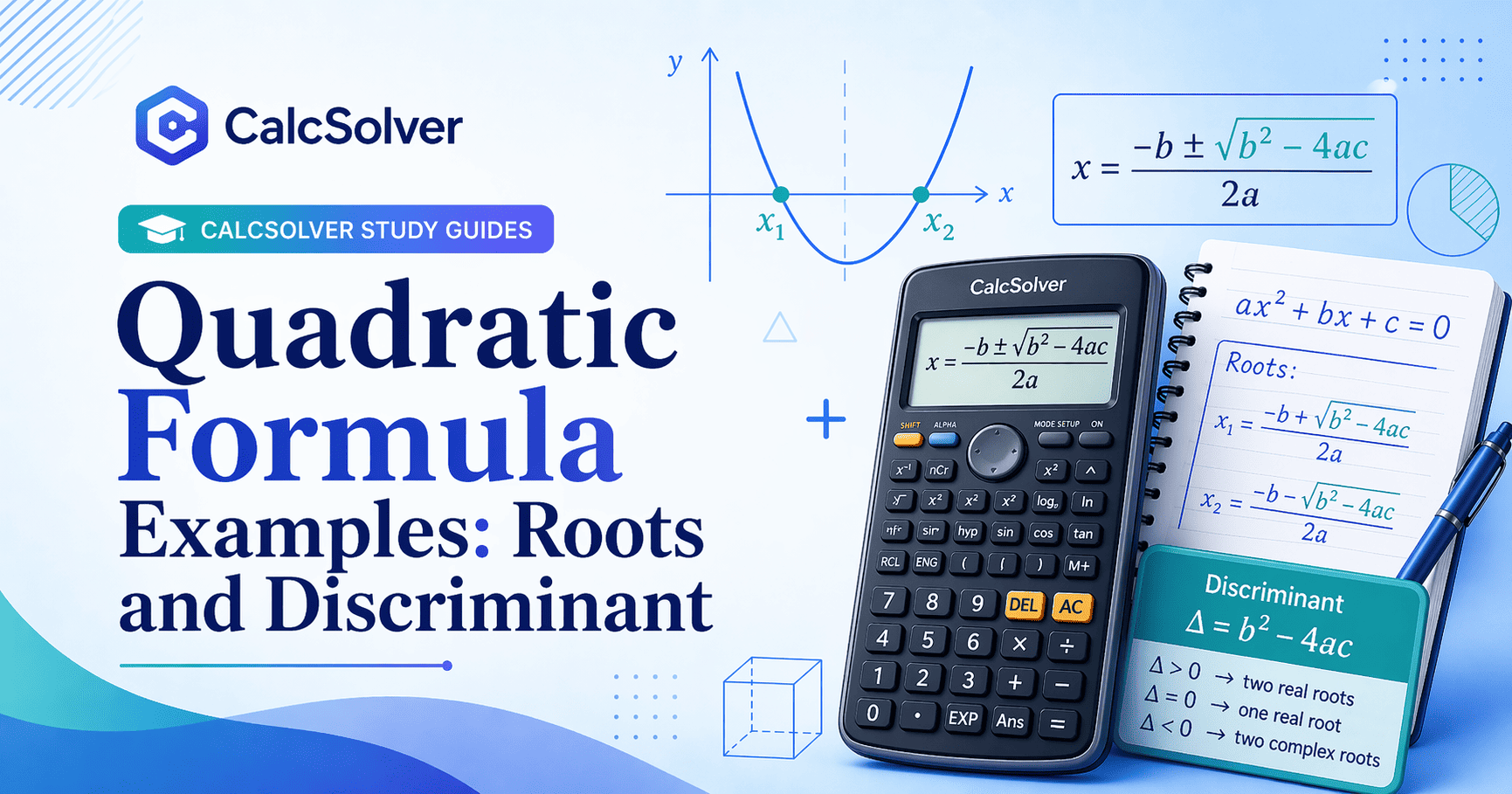 Algebra
Quadratic Formula Examples
Understand roots, the discriminant, and when the formula is better than factoring.
Algebra
Quadratic Formula Examples
Understand roots, the discriminant, and when the formula is better than factoring.
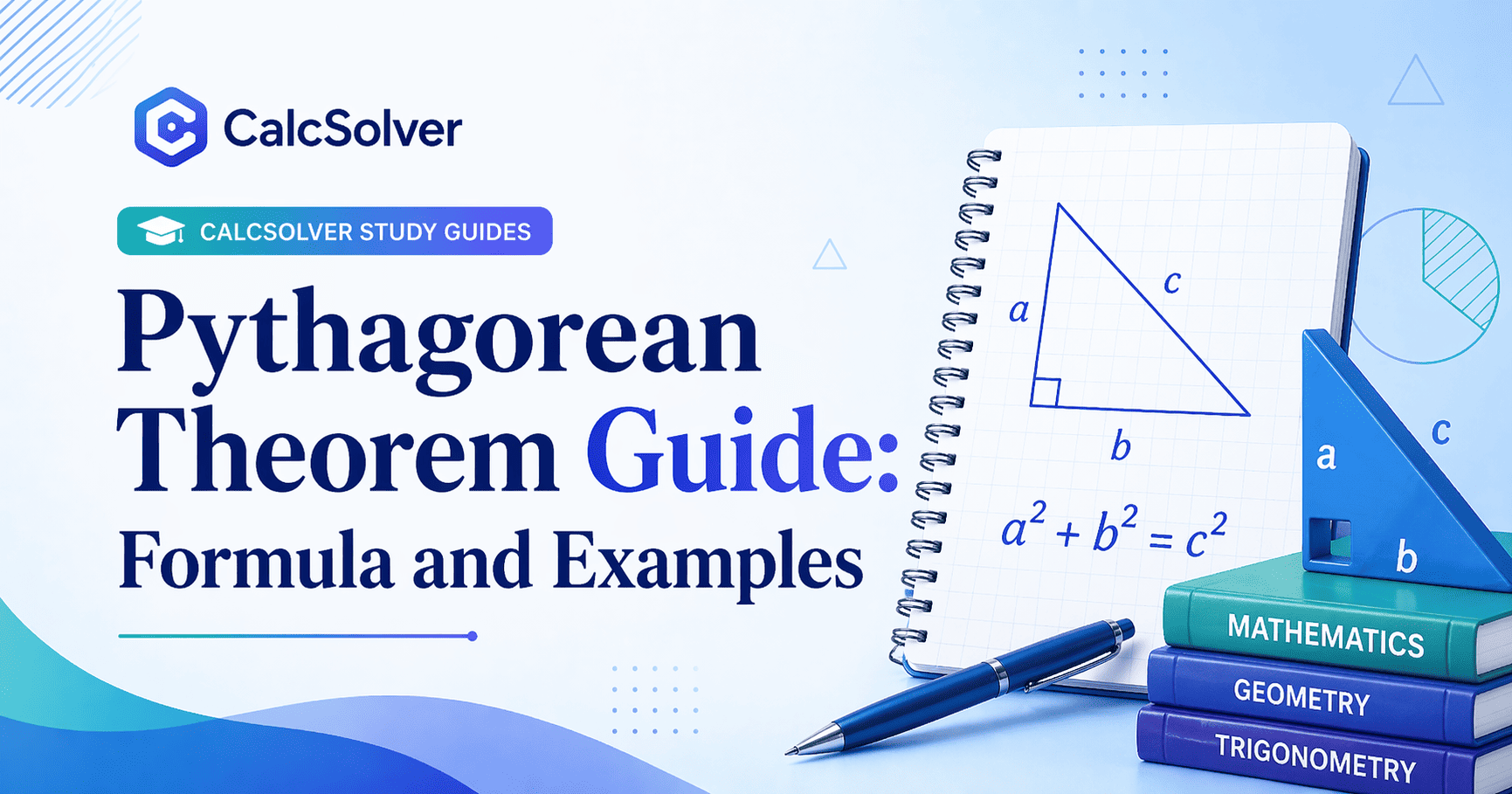 Geometry
Pythagorean Theorem Guide
Practice right-triangle side lengths and avoid common hypotenuse mistakes.
Geometry
Pythagorean Theorem Guide
Practice right-triangle side lengths and avoid common hypotenuse mistakes.
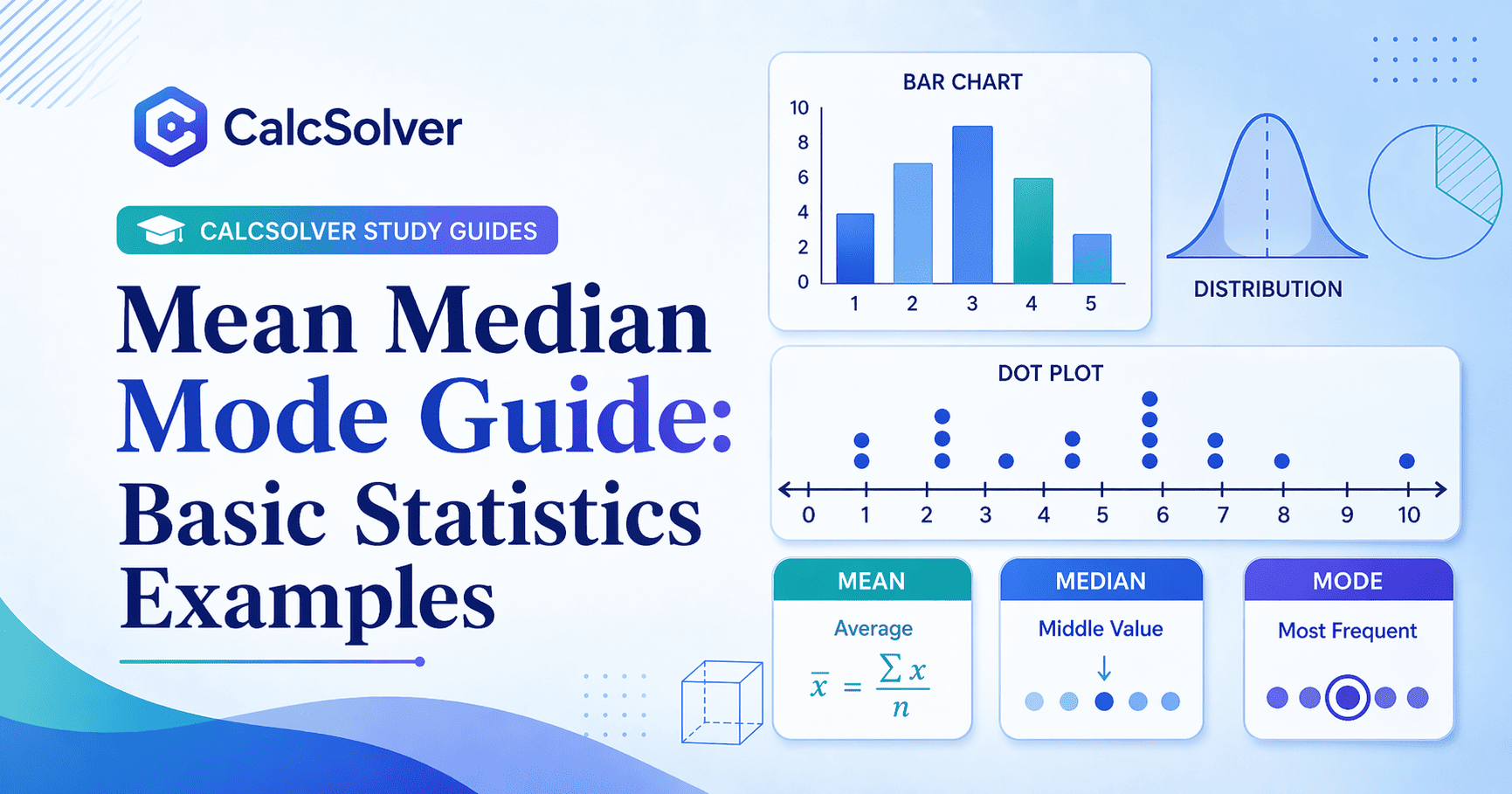
Learn how each basic statistic summarizes a data set and when averages can be misleading.
Read Article ->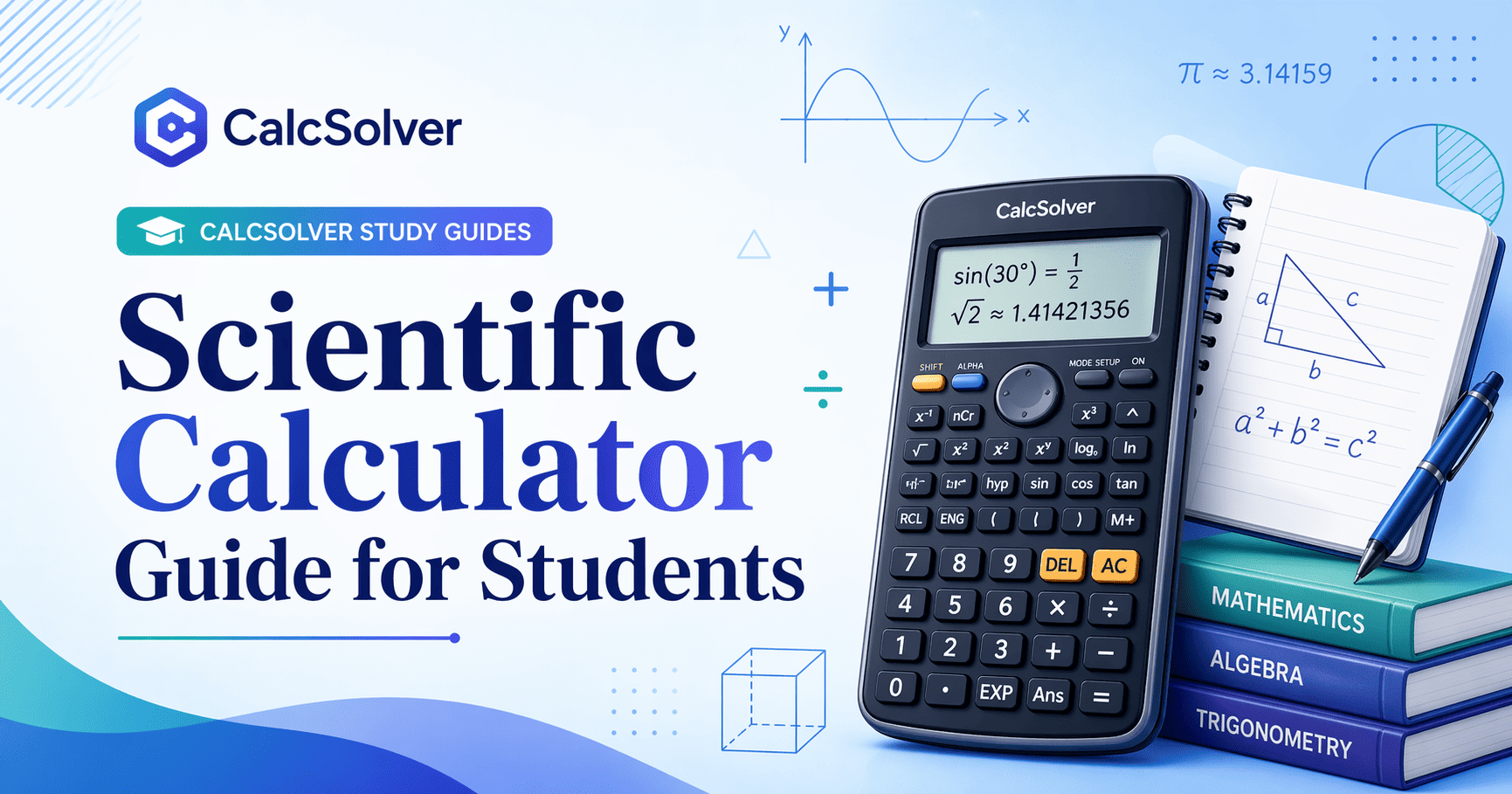
Review calculator keys, angle mode, parenthesis structure, and common input mistakes.
Read Article ->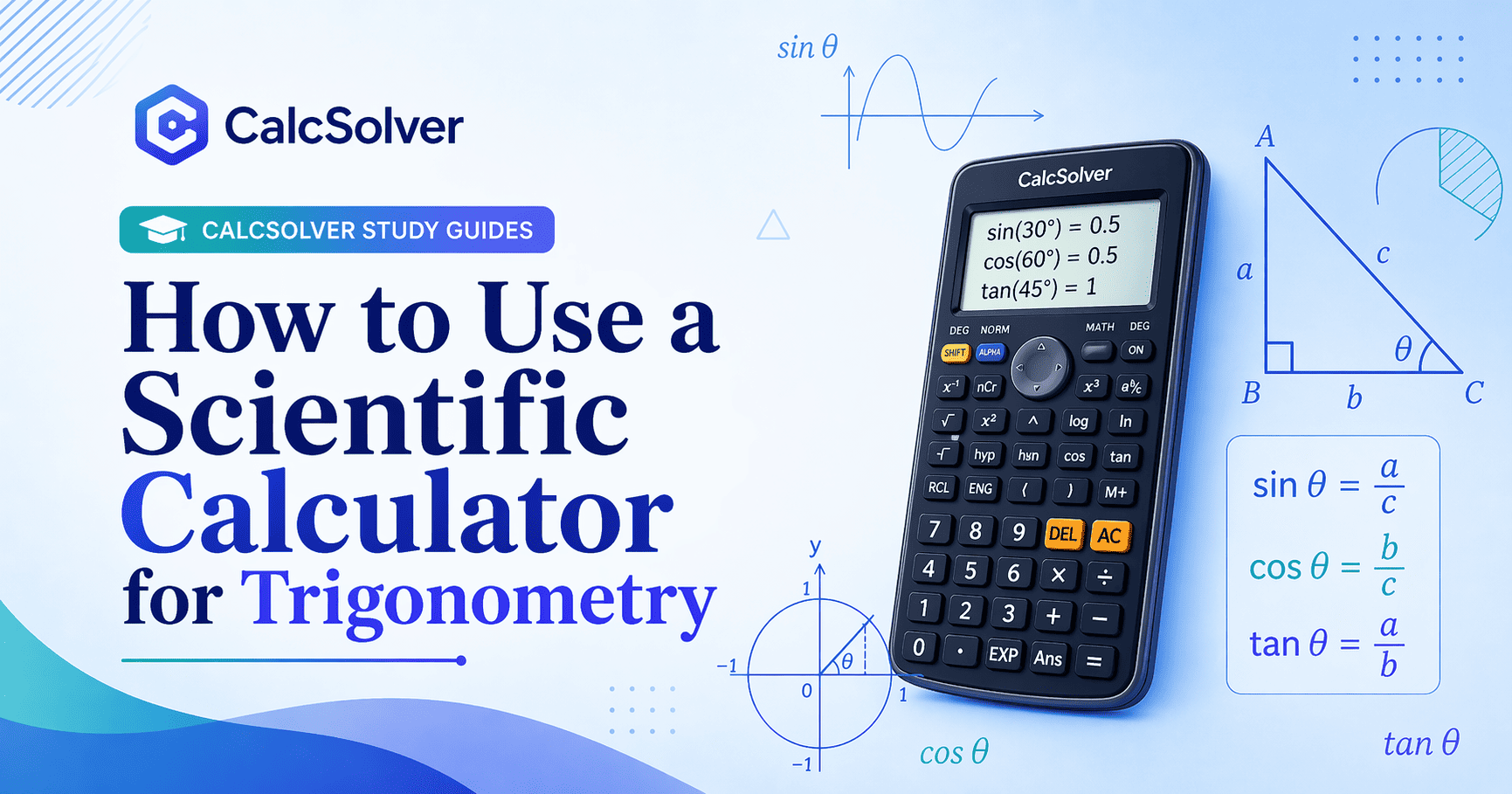
Learn the exact sequence for common trig tasks and why angle mode causes so many student errors.
Read Article ->Use calculators with formulas, worked examples, and related study guides. CalcSolver keeps each tool focused on practical school math and visible limitations.
Every CalcSolver tool includes step-by-step explanations, worked examples, and common mistakes to avoid. Learn while you calculate with CalcSolver.
CalcSolver requires no downloads or registration. Open a tool, enter the values, and review the result with the formula context on the same page.
CalcSolver is designed for common phone, tablet, and desktop screen sizes so calculator forms and explanations remain readable.
No account is required. Calculator inputs are handled in the browser, and the Privacy Policy explains analytics and advertising cookie use.
CalcSolver Code Mode lets you enter a 4-digit code, including 0000, to open games in the same browser page. Switch it off to return to the scientific calculator.